
Customise games for your group
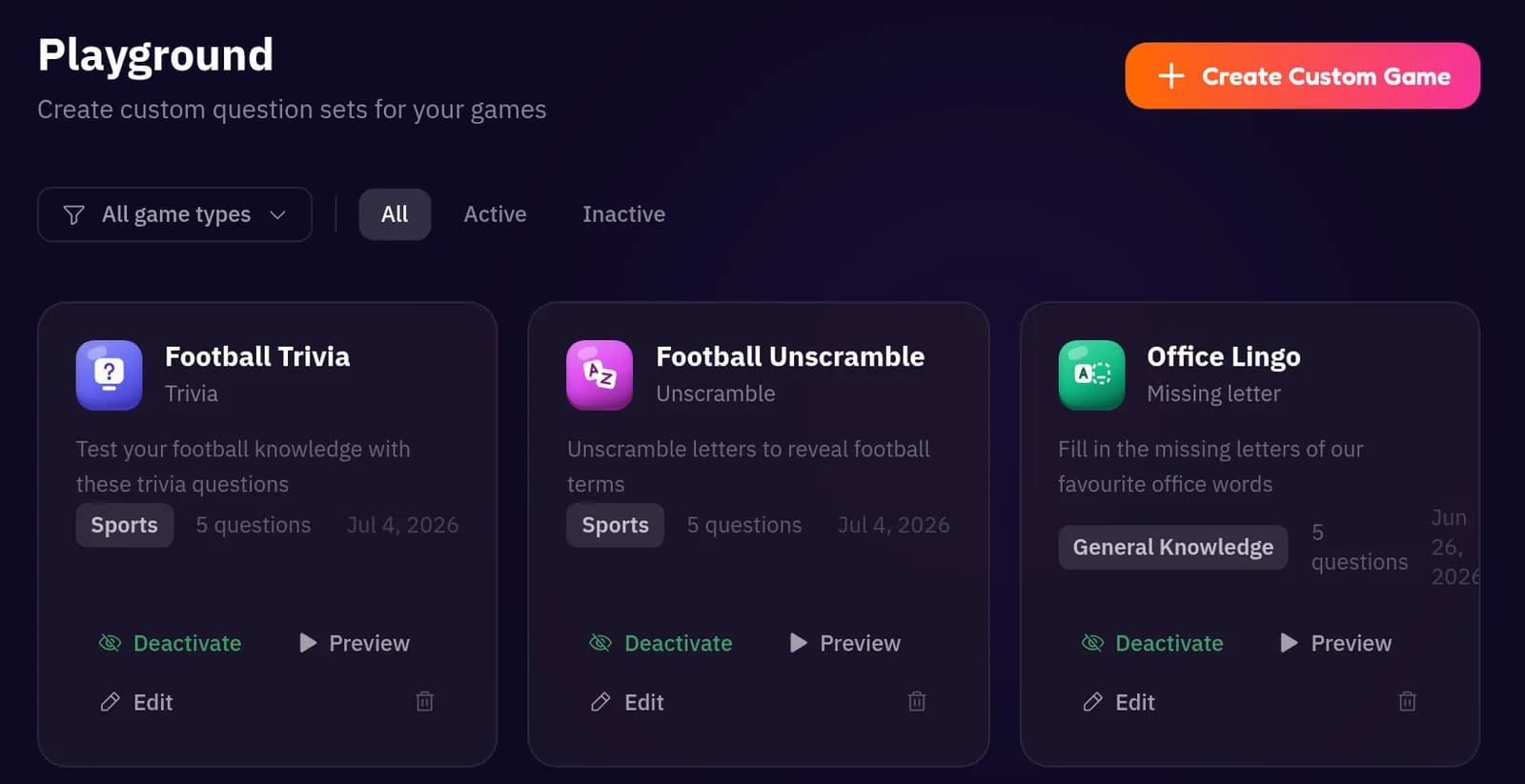
In the Playground, build your own question sets for any game: inside jokes, brand trivia, facts about the team or the couple. Short on time? Create with AI drafts a set for you in seconds.
Event playbook
A step-by-step guide to hosting Neegma at your next activation, in the room or on a call. Set up in minutes, share one QR code, and let the leaderboard do the rest.
Step 1 of 6
Every Neegma event starts as a session. There are two ways in, and both take you to the same short setup form.
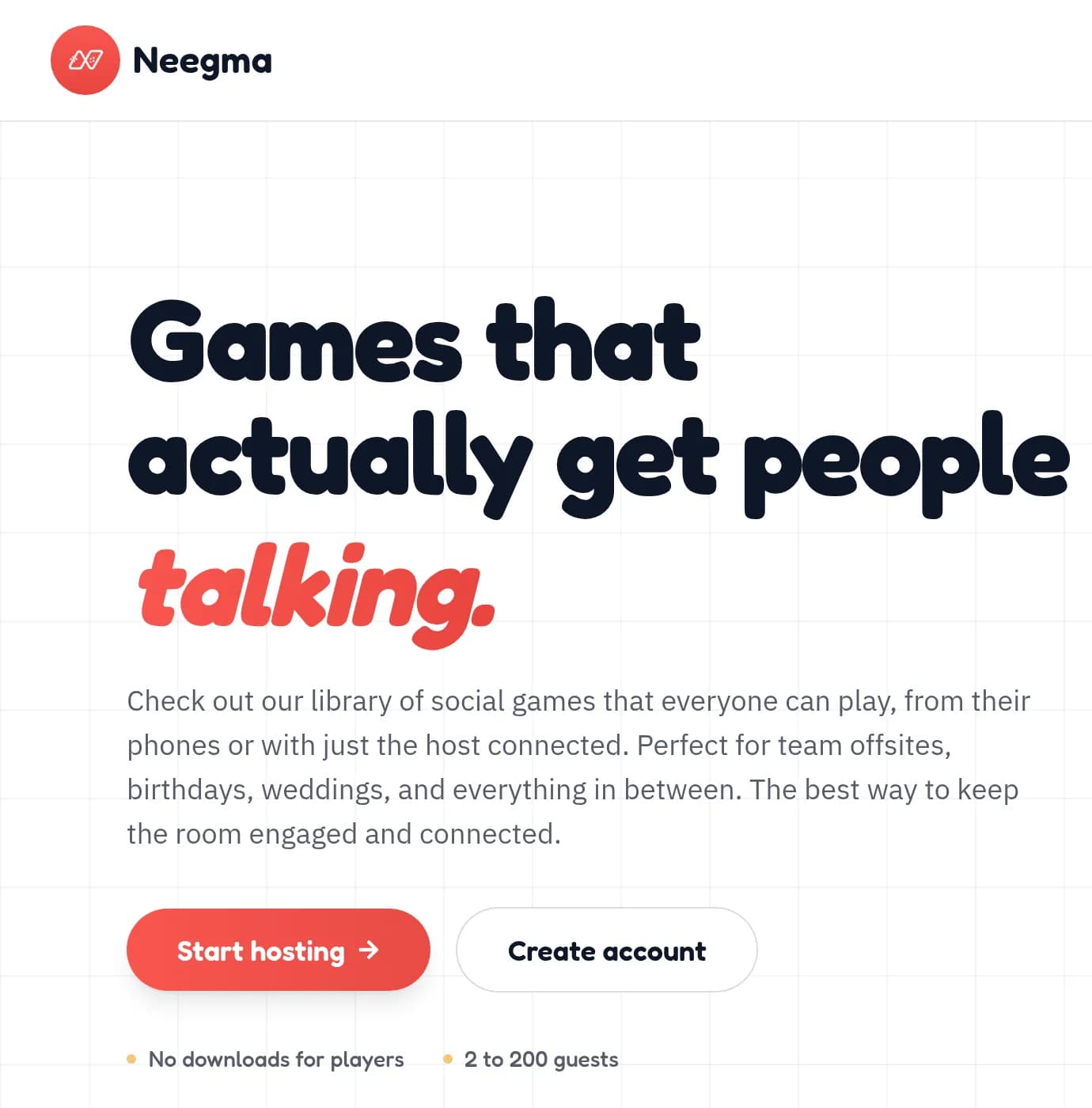
Click Start hosting in the hero. Not signed in yet? You can still start here: enter your email at the end and we send you a link to your host screen.
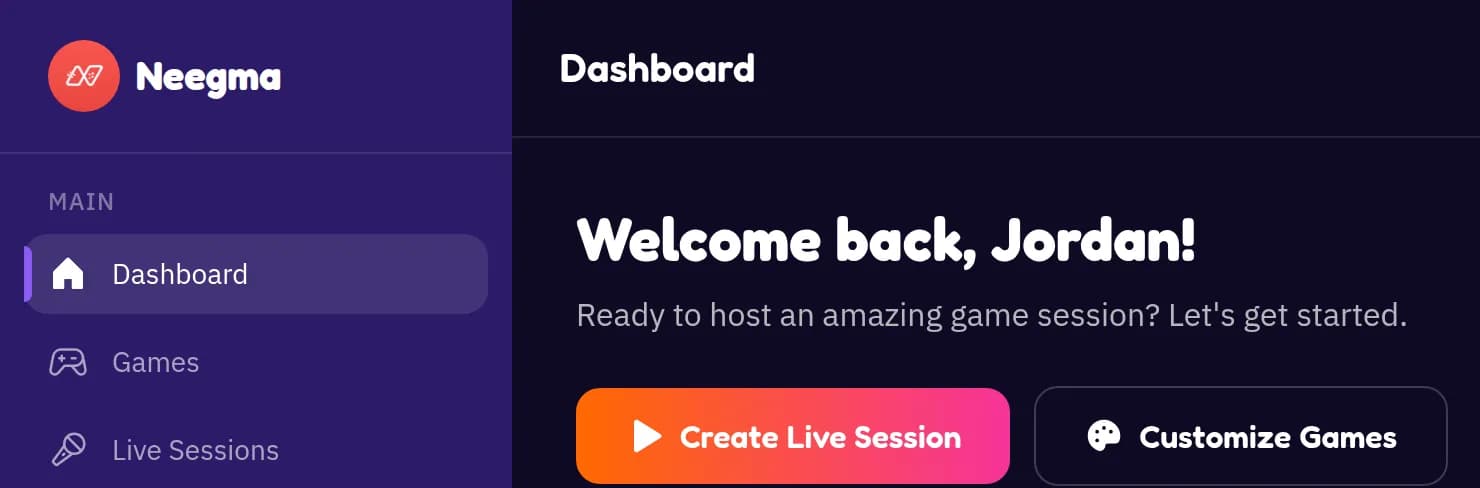
Already signed in? Click Create Live Session in the welcome banner at the top of your dashboard.
Step 2 of 6
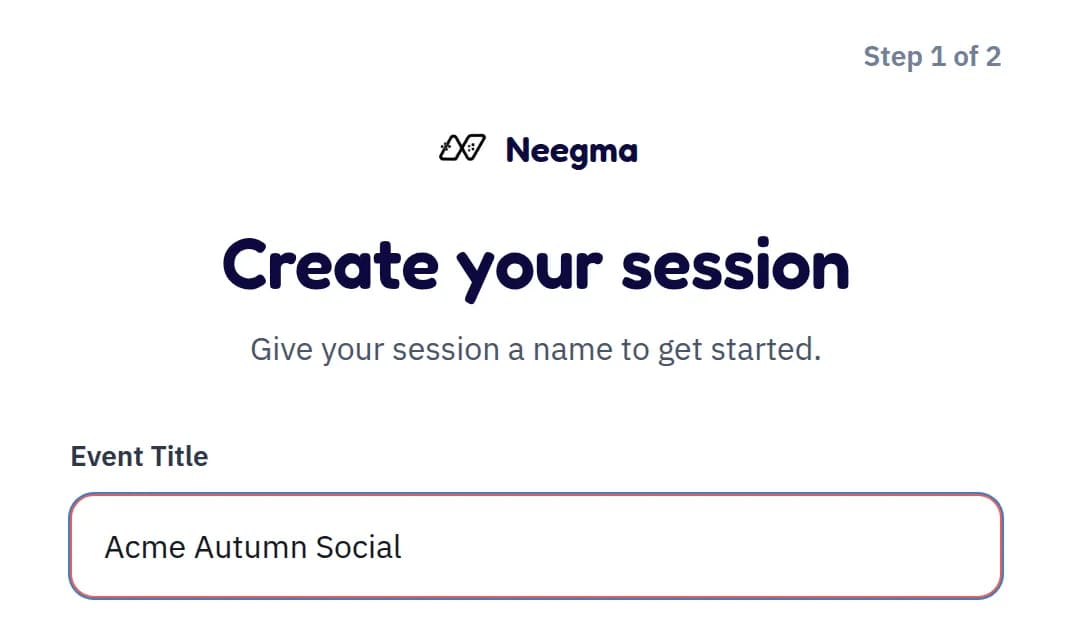
Use a name your guests will recognise, like “Acme Summer Social”, “Friday Team Quiz” or “Sarah's 30th”.
The name shows on your host screen and on your printable poster, so it doubles as the headline for your event. Keep it short enough to read from the back of the room.
Step 3 of 6
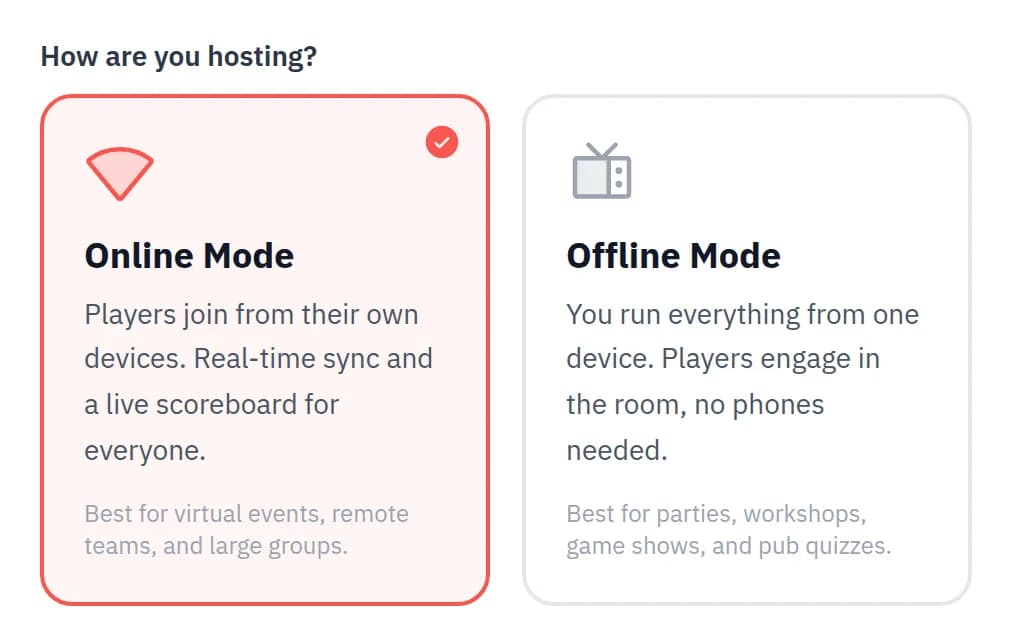
On the same screen, pick how your guests take part. You can choose differently for every event.
Online (host and players connected). Players join on their own phones by QR code or link, answer from their seats and follow a live scoreboard. Best for virtual events, conferences and big rooms.
Offline (host only). You run everything from one screen and nobody needs a phone. Players answer out loud and you keep score. Best for parties, workshops, pub quizzes and venues with poor signal.
Step 4 of 6
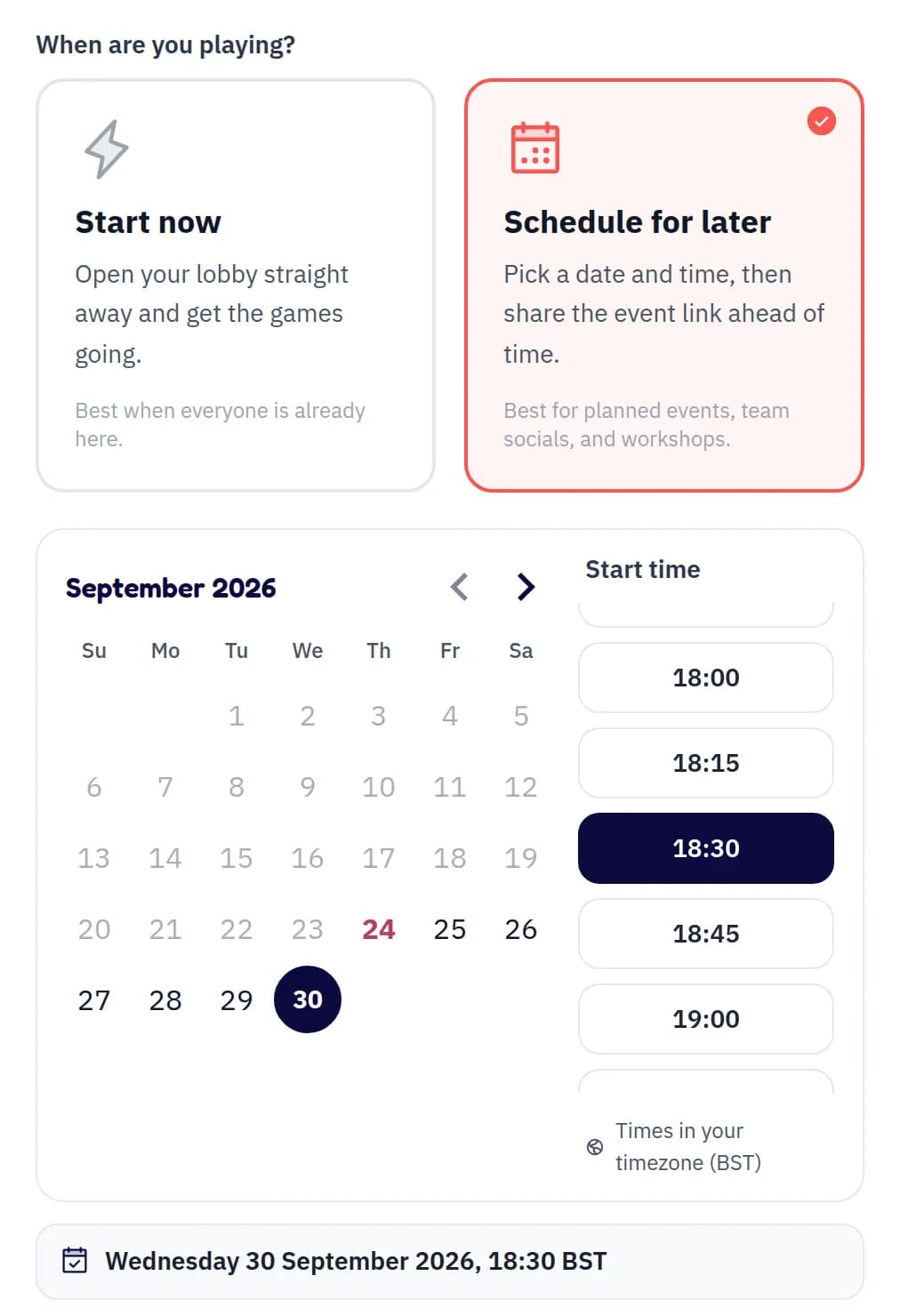
Next, choose when you are playing.
Start now. Drops you straight into your lobby, ready to play.
Schedule for later. Pick a date and a start time in your own timezone. Scheduled events always need an email, so you can find them again later.
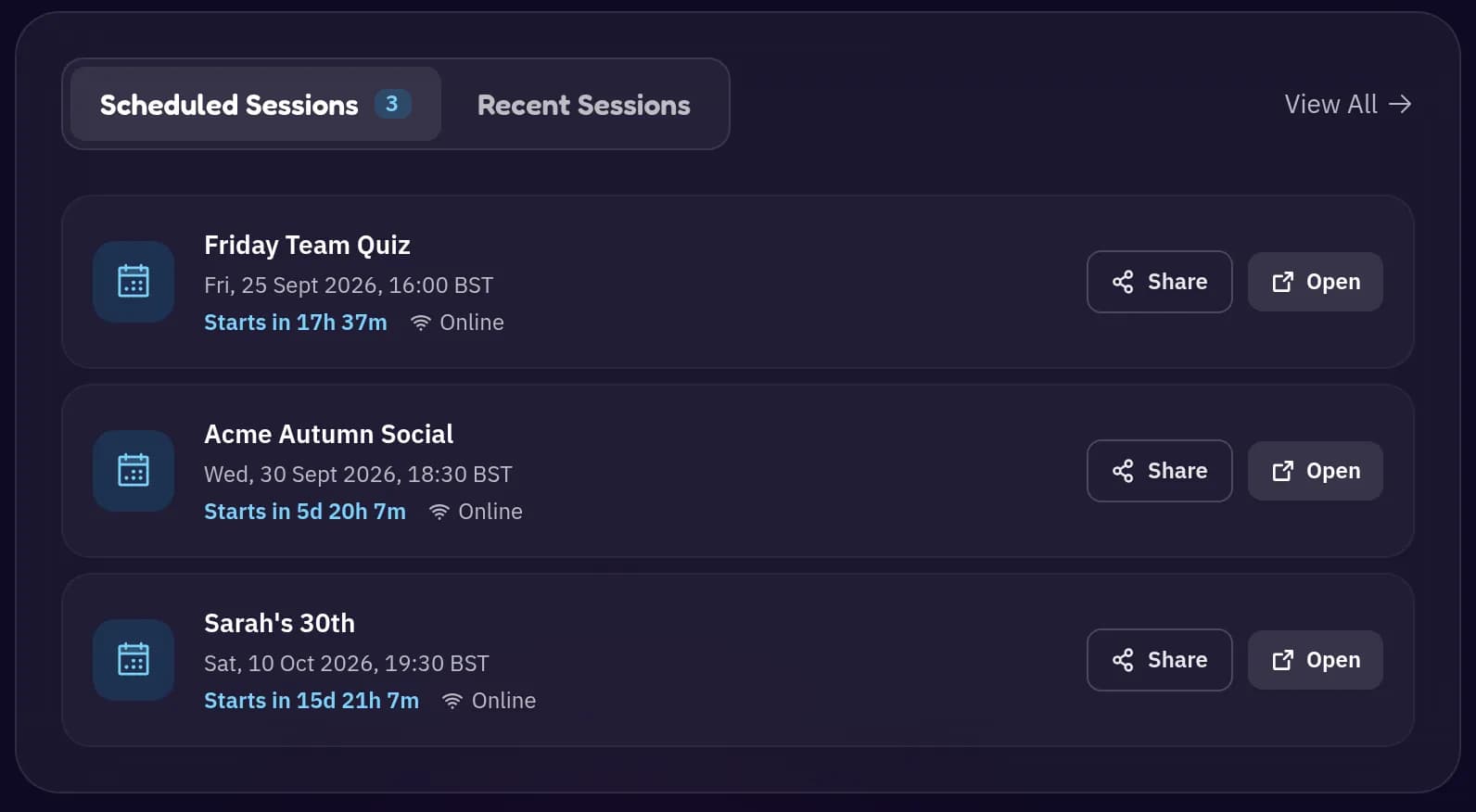
Scheduled events appear under Scheduled Sessions on your dashboard, soonest first, each with a live countdown and quick Share and Open buttons.
Opening early is fine. You can start a scheduled event at any time: open it and press Start now. Guests who scan early see a countdown and can join from 30 minutes before the start, or as soon as you press Start now.
Step 5 of 6
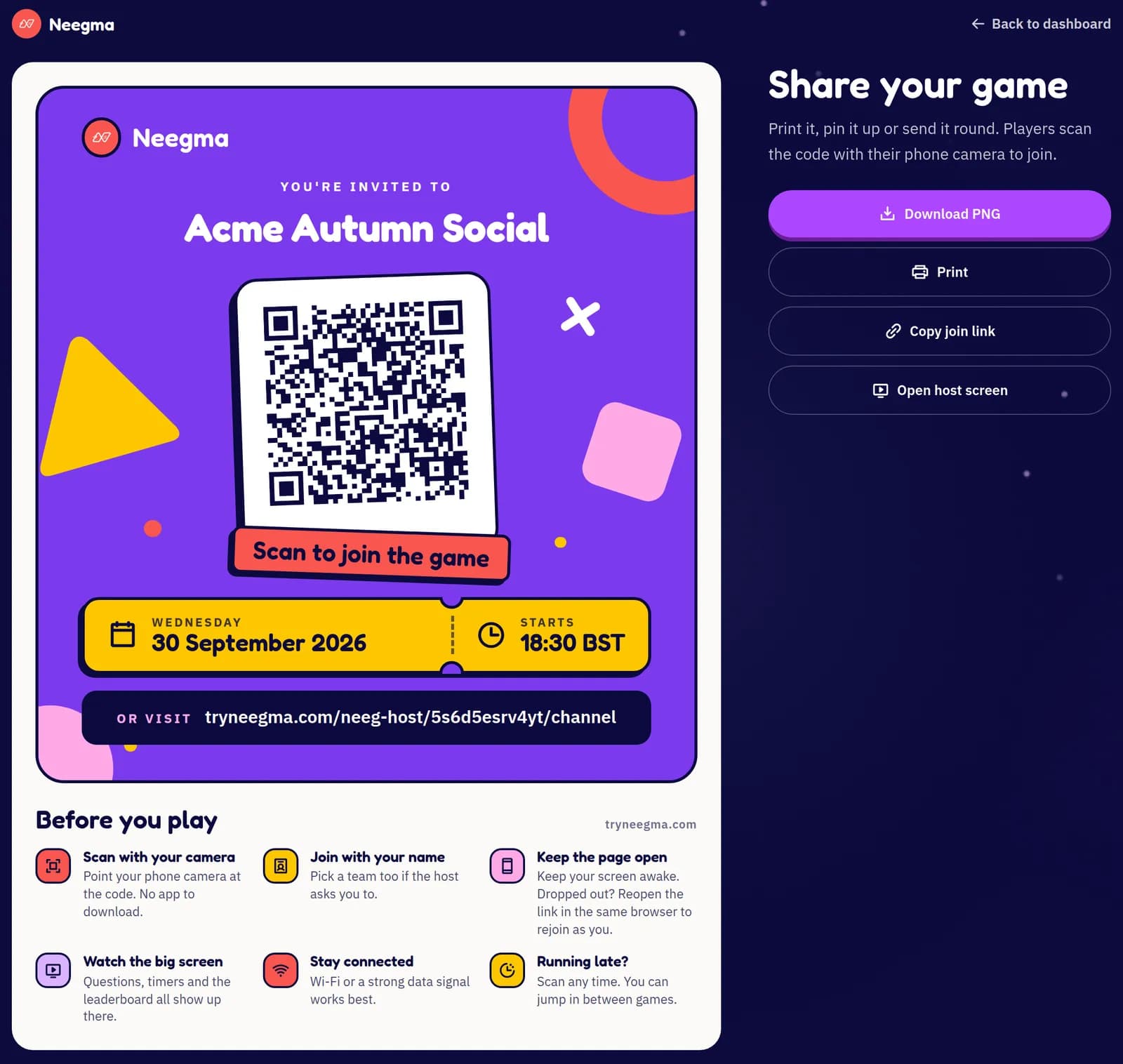
Every session, scheduled or already started, has its own share page: a bold QR poster with your event name, date and time.
Download it for your invite, email or socials, or print it for tables, the entrance and the stage. Underneath the QR code, a short Before you play list tells guests how to scan, join with their name, stay connected and catch up if they arrive late.
After you schedule. You land on the share page straight away.
From your dashboard. Use the Share button next to any scheduled session.
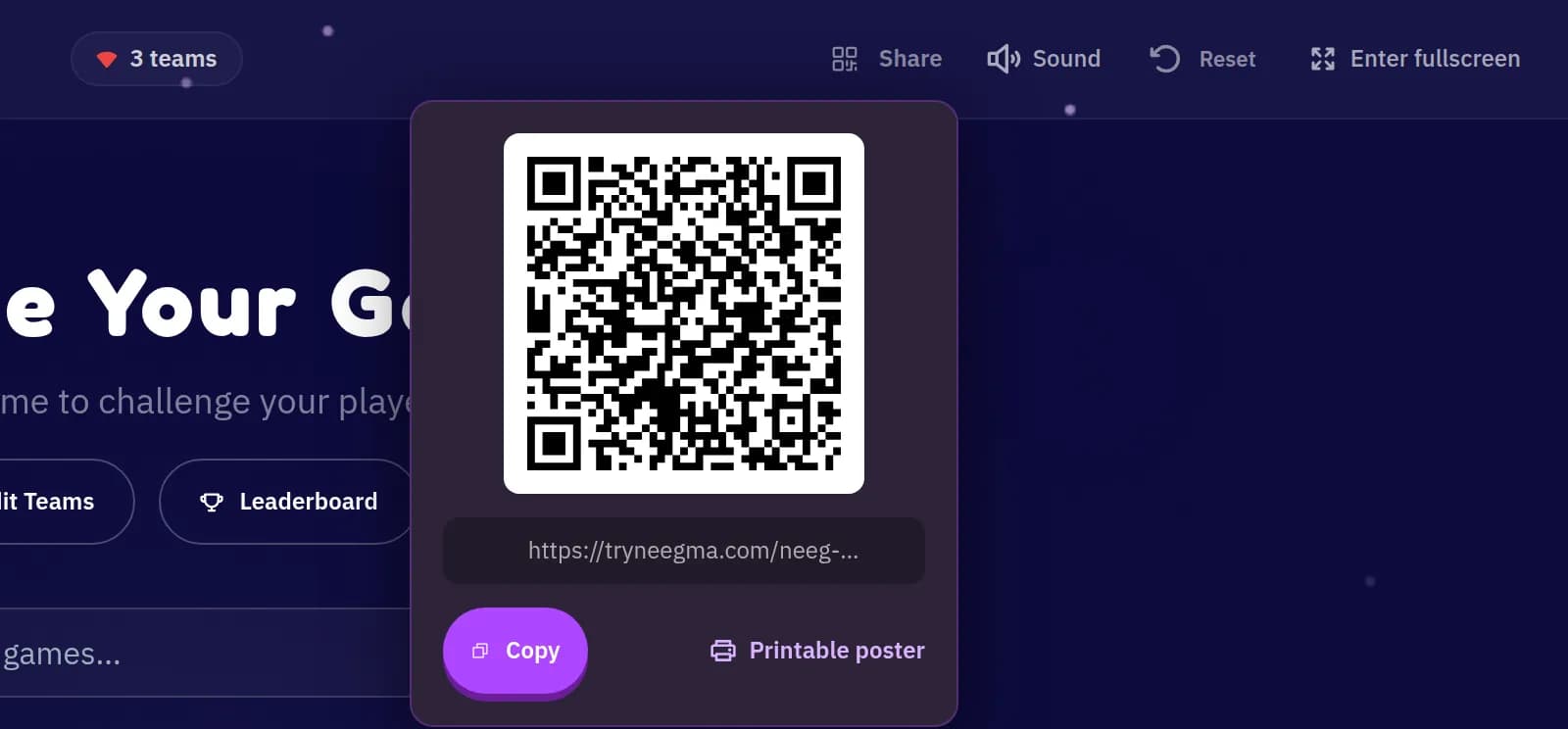
From your host screen. Open Share in the top bar and choose Printable poster.
Hosting offline? The poster has no QR code, because only your screen needs to be connected.
Step 6 of 6
The setup is done. These are the habits of hosts whose events people are still talking about the next week.
Teams keep everyone involved, shy guests included. Put the host screen on the biggest display you have and print a poster for every table.
Drop the join link in the call chat and ask players to keep Neegma open on their phone or in a second window.
Alternate a fast word game, a social deduction game and a creative round to keep the energy up all event long.
Create a quick Start now session to try each game on your own screen. Practice rounds never touch your real event's leaderboard.
Say it once at the start and the whole room plays smoothly.
Online. Keep your screen awake, stay on Wi-Fi and keep the Neegma tab open.
Offline. Explain the rules up front, keep teams small and read answers out loud so everyone can follow.
If someone drops out, they reopen the link in the same browser they joined from and come straight back as themselves.
In the Playground, build your own question sets for any game: inside jokes, brand trivia, facts about the team or the couple. Short on time? Create with AI drafts a set for you in seconds.
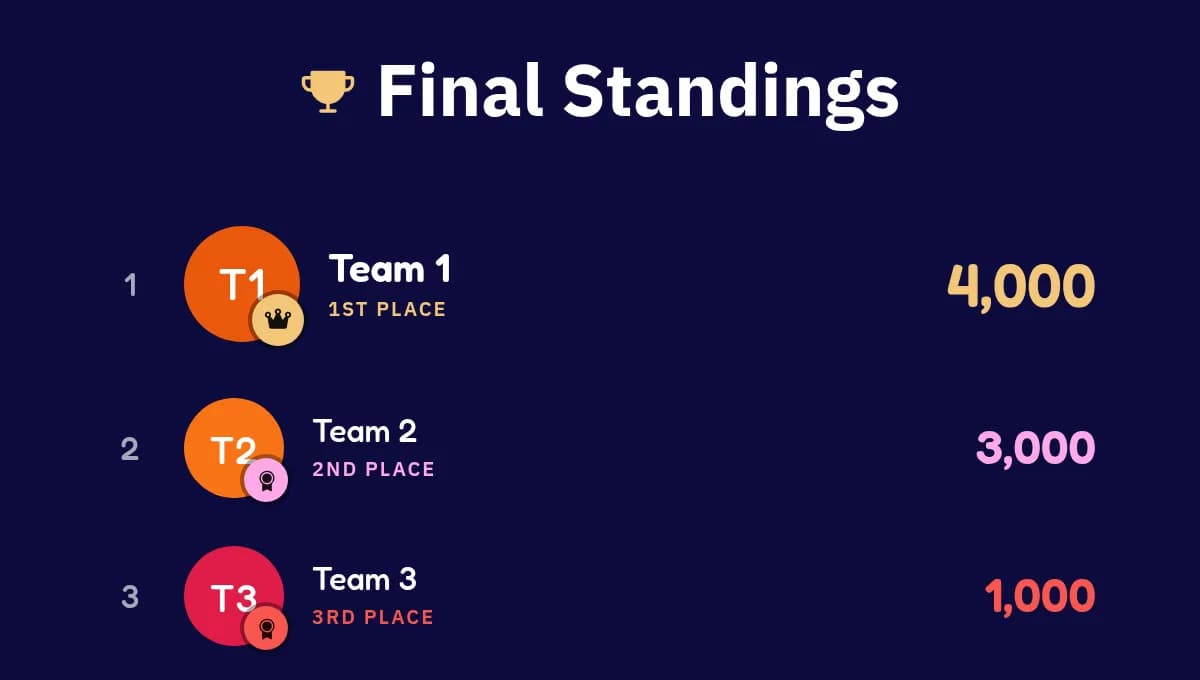
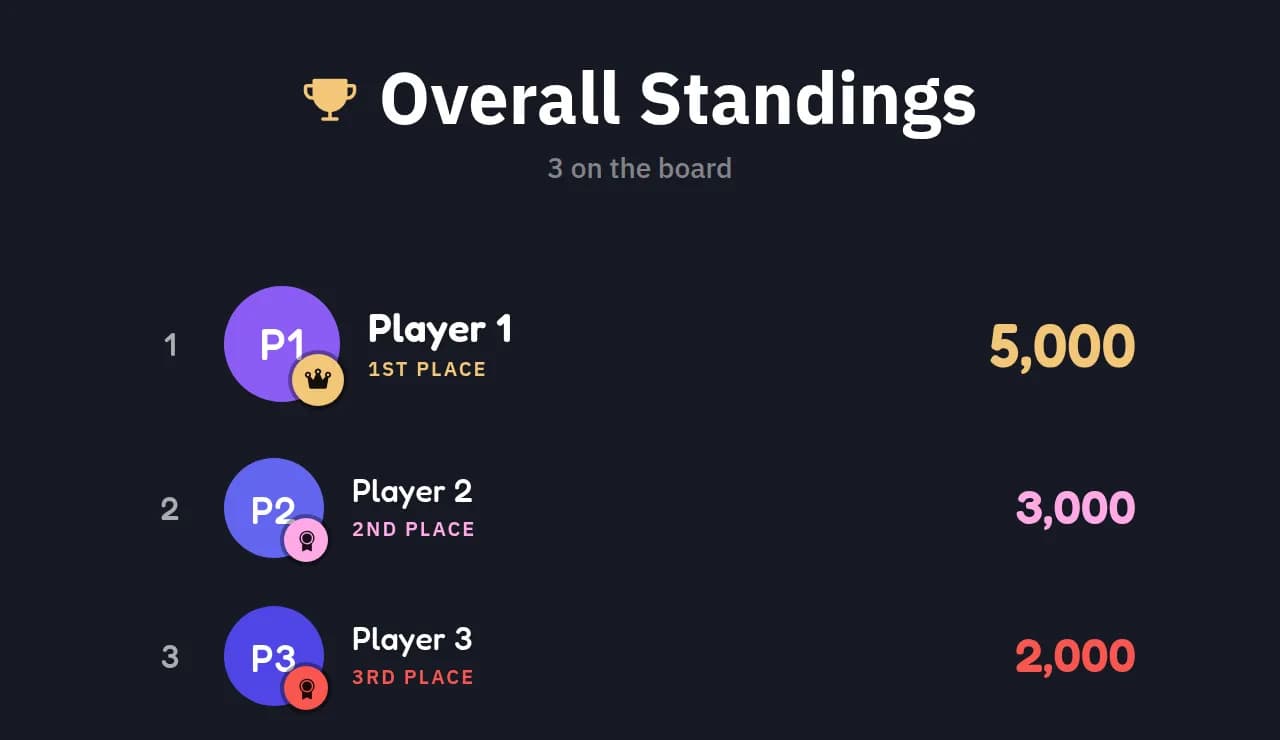
Each game ends with its own standings, and the Leaderboard button on the game select page shows the overall standings across your whole event. Read them out between games to build a rivalry.
Latecomers are welcome. Press Share in the top bar of your host screen to show the QR code and join link, or open the printable poster.
Event-day checklist
Screenshot it, print it, or keep this page open on the day.
A week out
The day before
30 minutes before